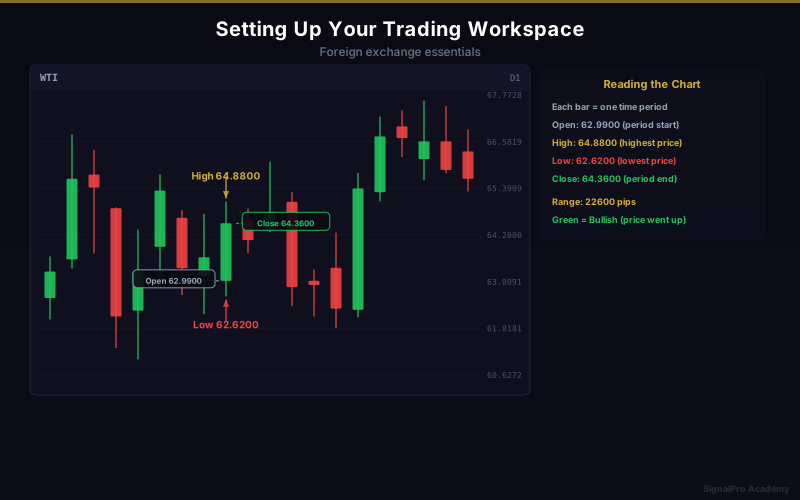
Setting Up Your Trading Workspace
Your trading environment directly impacts your performance. Set it up for success.
Physical Setup
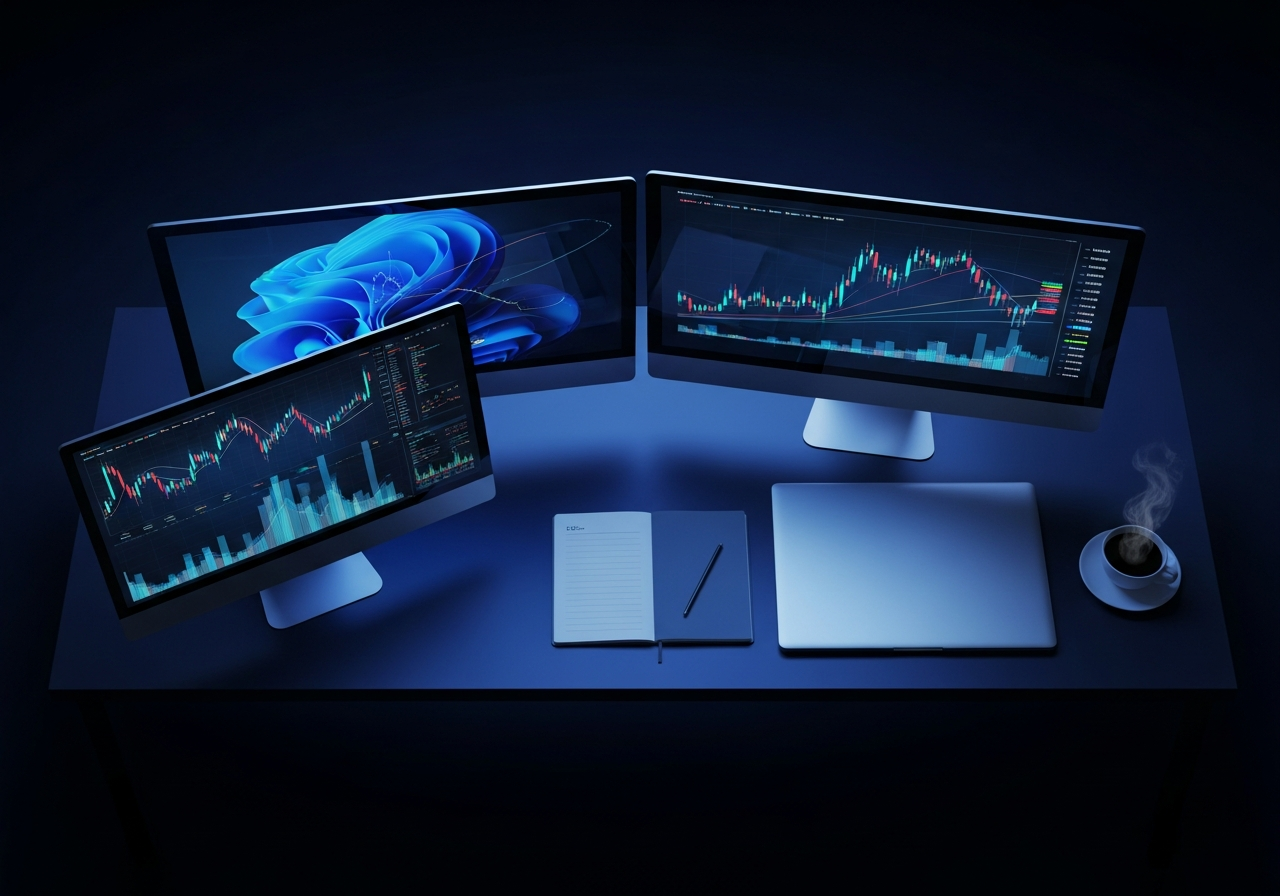
Computer Requirements
- Reliable internet connection (minimum 10Mbps)
- Modern computer or laptop
- Consider backup internet (mobile hotspot)
- UPS for power backup
Monitor Setup
- One monitor minimum, two preferred
- Clean, uncluttered charts
- Good viewing angle and lighting
- Reduce eye strain with proper brightness
Platform Configuration
Essential Chart Settings
- Choose preferred chart type (candlesticks)
- Set default timeframe
- Configure grid and colors
- Save chart templates
Watchlist Organization
- Group by category (majors, minors, metals)
- Limit to pairs you actually trade
- Include correlation pairs
- Add economic calendar
Trading Tools
Must-Have Resources
- Economic calendar (Forex Factory, Investing.com)
- News feed (Reuters, Bloomberg)
- Calculator for position sizing
- Trading journal (spreadsheet or app)
Mobile Setup
- Install broker mobile app
- Enable price alerts
- Backup for monitoring positions
- Not for primary analysis
Mental Environment
Distraction-Free Zone
- Dedicated trading space if possible
- Minimize notifications
- Scheduled trading hours
- Communicate boundaries to family
Trading Routine
- Pre-market analysis (15-30 min)
- Define trading opportunities
- Set alerts and orders
- Review and journal after session
Common Mistakes
- Too many indicators cluttering charts
- Trading from bed or distracting environments
- No backup plan for technical issues
- Mixing trading with other activities
Lesson Discussion